
Ink in the lagoon
Ink in the night lagoon, moved by your finger. A toy, to keep or send.
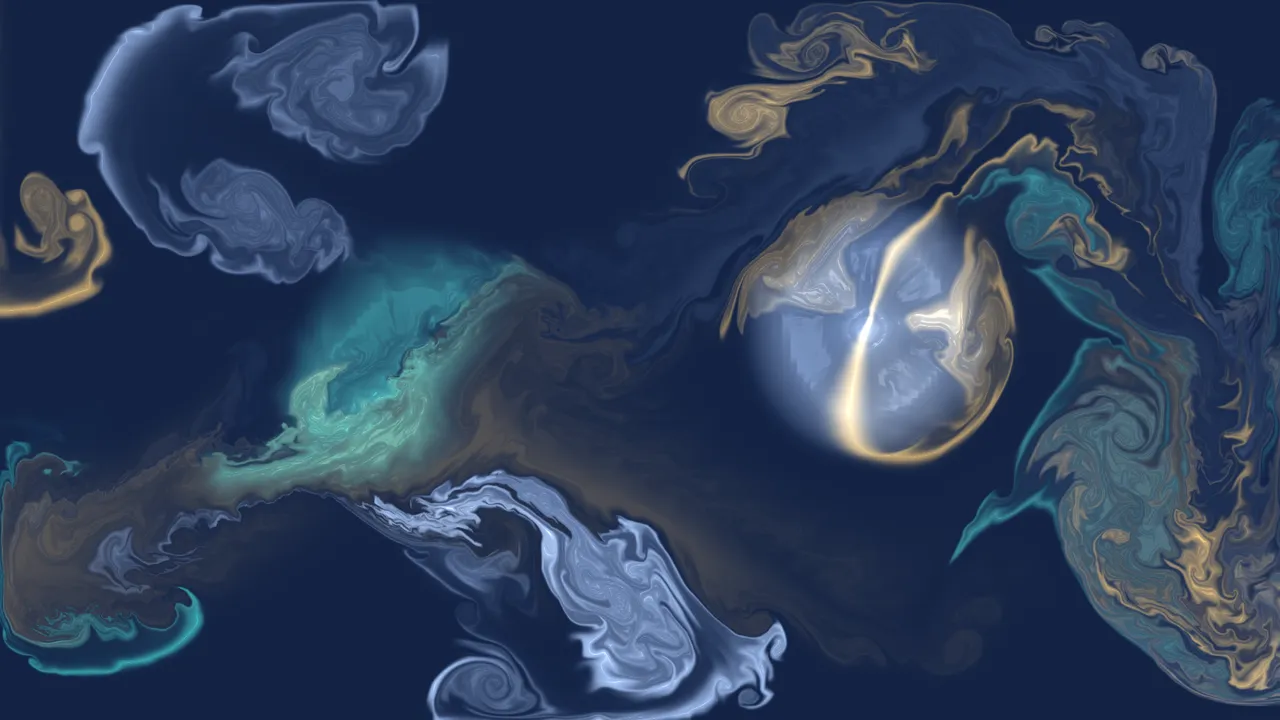
Drop ink into the lagoon at night and move it with a finger or the mouse: turquoise from the shallows, the sky’s blue, starlight and moonlight. Tap for a splash. Save the picture when you like it.
The water
A toy. It runs on this device; nothing you draw is sent or kept.
How it works
The water is a fluid simulation on your device’s graphics chip: the velocity of the water and the colour of the ink are kept on two grids, and each frame the water carries the ink along, keeps its own volume, curls a little where it turns, and slowly comes to rest. Your finger or the mouse pushes the water and drops ink where it goes; a tap drops ink and pushes outward from the point, like a drop landing.
It starts at fine detail on a computer and medium on a phone, and lowers the detail a step at a time (fine, medium, light, lightest) when the frames come slower than forty a second, so an older phone still runs it smoothly. It stops when you switch tabs or scroll it out of view, and holds still when your device asks for less motion; “Let it move” starts it.
“Save the picture” draws the water once more at 1080 points on its short side, adds one line under it with the name of this page, and hands it to your browser as a PNG. Nothing is uploaded, counted or kept.
What it is built with
- WebGL Fluid Simulation by Pavel Dobryakov, commit a2d2929, changed for this page MIT moves the water and the ink on the graphics chip
Served from this site and loaded when the page starts, not before. Changed for this page: one function in place of the whole page script, the lagoon’s colours, a splash on a tap, the controls above; the original’s settings panel, app-store links and analytics calls are taken out.